Scanning with “Scan Home” app
After creating the account and log in, you can start to make your first scan in a few steps:
Step 1: Click the “+” on the bottom right
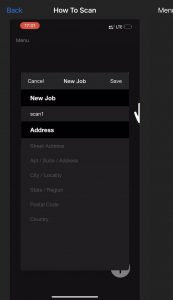
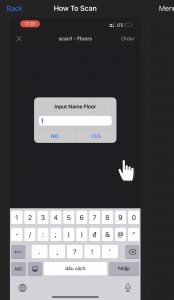
Step 2: Fill in your project name and input the name floor
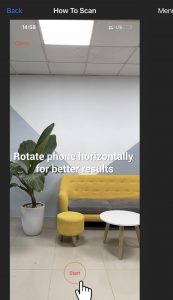
Step 3: Choose a space then press the “ Start” button
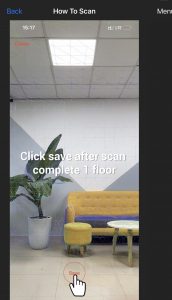
Step 4: Tap to “ Save” when you finish.
You can easily review your scans on the main screen. If you are satisfied with the scan, you can place an order.